
.avif)





%201.svg)

.avif)
AI agents are no longer experimental. They are being deployed across production environments to autonomously reason, invoke tools, access sensitive data, and act, often without any human in the loop. For security teams, this represents a fundamental shift in what a "non-human identity" looks like. Unlike a service account that sits idle until called, an AI agent is dynamic. It makes decisions, chains actions together, and interacts with cloud infrastructure in ways that are difficult to predict and even harder to audit after the fact. Traditional security tooling was not built for this. And the gap between how fast AI agents are being deployed and how well they are being governed is widening every quarter.
The AI Agent Dashboard in Unosecur changes that. It gives security teams a dedicated, structured way to see every agent in their environment, understand what it can access, and assess the risk it carries.
The blind spot that's been growing
Most security teams operating in cloud environments today cannot answer even the most fundamental questions about their AI agents:
- Which agents exist across my accounts and regions?
- Which ones are classified as high risk?
- What data sources can they access, and how many?
- What permissions do they hold, and are any of them over-privileged?
- Through what execution path can an agent actually reach a sensitive cloud service?
Without answers to these questions, AI agents represent an ungoverned, opaque layer in your environment. The risk is not hypothetical. An agent that appears to "just answer customer questions" may, through its attached execution path, have write access to production databases, the ability to invoke privileged functions, or even IAM modification capabilities. You would not know unless you traced every function, every role, and every policy manually, across every account, every region, every agent.
That is not a sustainable security posture.
What the dashboard covers
The AI Agent Dashboard is a new, dedicated module in Unosecur, built alongside existing identity workflows to give AI agents their own security lens. Here is what it surfaces.
Account-Level Metrics at a Glance At the top level, the dashboard surfaces cumulative metrics across all connected AWS accounts under your root account: total number of AI agents in your environment, how many are classified as high risk, and how many are operating without guardrails. For organizations running multiple AWS accounts, this rollup view gives security and compliance teams an immediate pulse on the entire AI agent footprint, without manually querying individual accounts or regions. In an audit or incident triage scenario, that time saving is material.

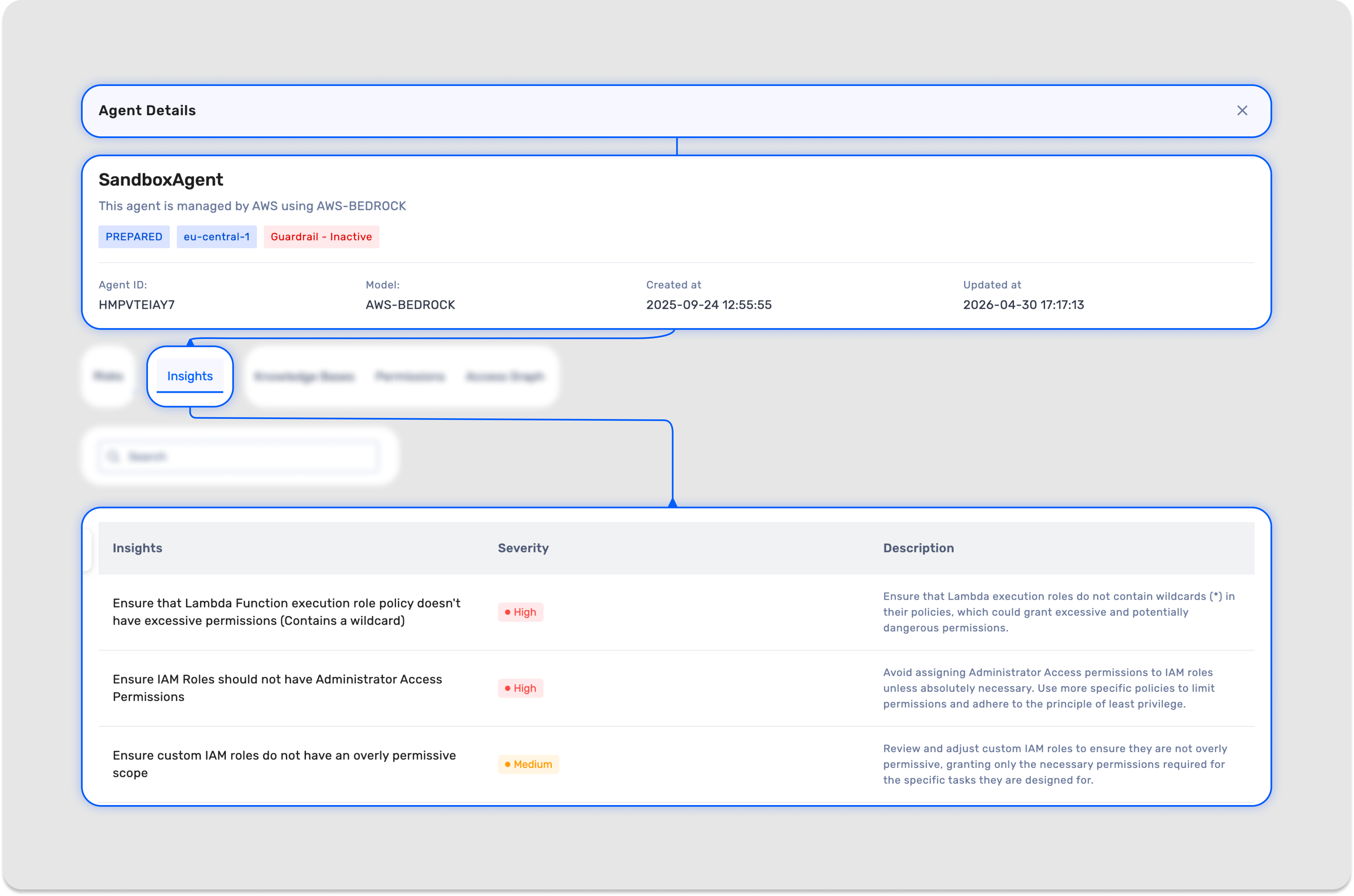
Risk and Severity Insights A list of security findings tied to that specific agent, each tagged with a severity level and a clear description. This includes findings for over-privileged tooling, missing guardrails, and other posture issues automatically evaluated at the time of discovery. Because each agent operates with its own dedicated roles and functions, every finding is uniquely tied to that agent and reflects the exact risk introduced by its attached execution path.
Knowledge Bases A view of every data source the agent has access to, including S3 buckets, HRMS platforms, organization-specific document stores, or any other connected knowledge source. The number shown under the knowledge base column represents the total count of sources that agent can query. If that number reads 34, the agent has access to 34 distinct data sources. Each source is listed with its name, ID, and whether it is currently enabled or disabled for that agent. For security teams, this answers a question that has historically had no clean answer: what organizational data is this agent actually touching?

Permissions A breakdown of every permission associated with the agent, including the permission name, the policy it is attached to, and whether it is currently active or disabled. Rather than tracing IAM policies manually across multiple roles and accounts, you get the full permissions picture in one place, making over-provisioned access immediately visible.

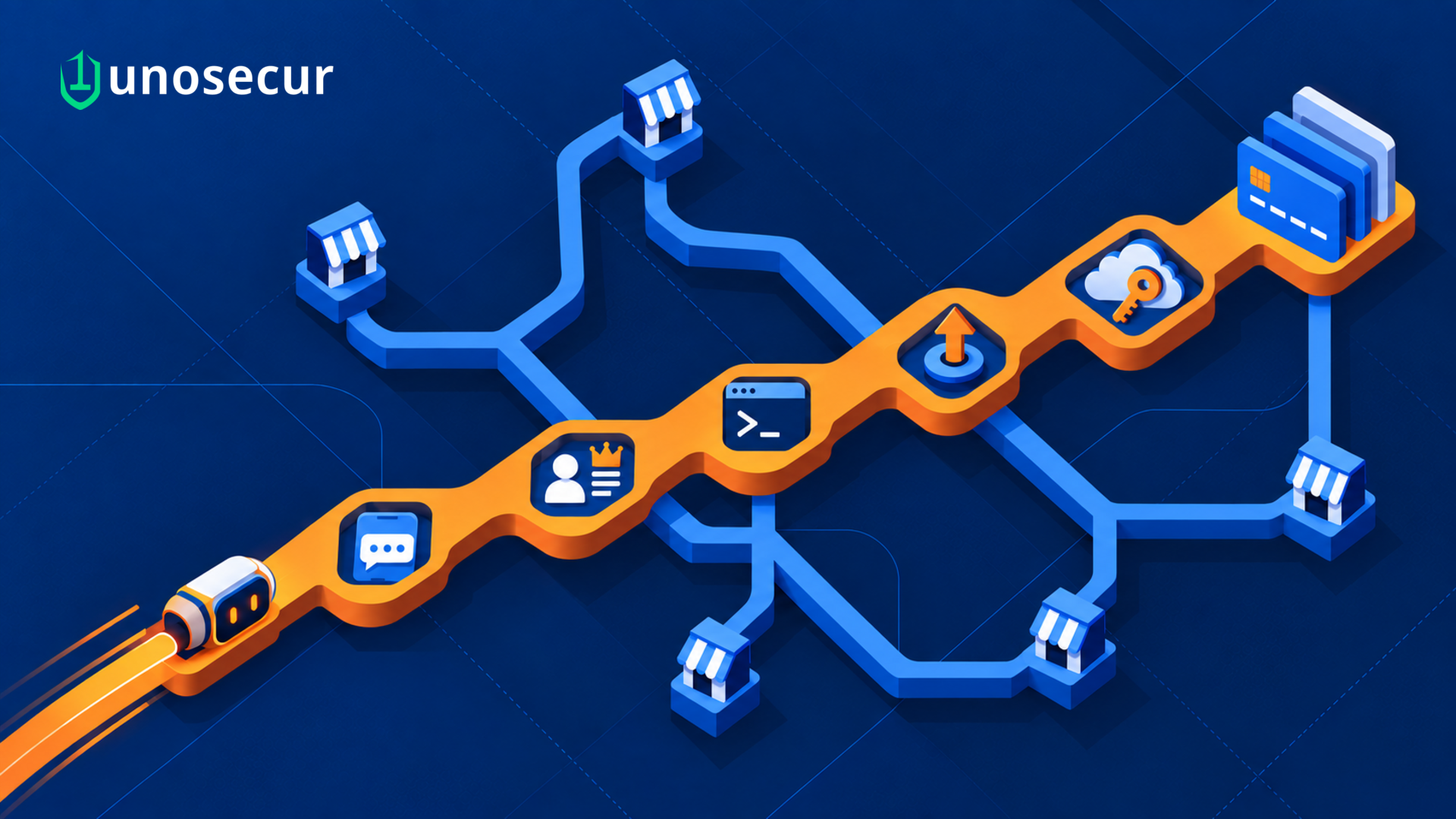
Access Graph The most technically significant section of the dashboard. AI agents do not directly call cloud services. They invoke functions, which operate through IAM roles, which then hold permissions against downstream services and resources. This indirection is where privilege risk accumulates silently, and where most existing tooling simply stops looking.

The Access Graph makes this entire execution chain visual:
Agent → Lambda Functions → IAM Roles
For security teams, this means you can see not just what an agent is configured to do in isolation, but how it is structured to reach cloud services through its execution path. A Lambda function that looks routine on the surface may, through its attached role, have broad access to production infrastructure. The graph surfaces that exposure clearly, without requiring manual policy tracing.
The graph currently renders up to the role level. Clicking through on a role redirects into the IAM analyzer for deeper analysis. When functions are added or removed, the graph updates to reflect the change in near real time given sync intervals.
See every agent. Understand every risk.
AI agents are already running in your environment. The question is whether you have the visibility to govern them. The AI Agent Dashboard gives you the inventory, the risk context, the data access picture, and the execution path clarity to answer that question with confidence, not guesswork. If you are already on Unosecur, the dashboard is available now. Log in and see what your AI agents have been doing.
Not on Unosecur yet? Request a demo and see it in action.



.png)
%201.svg)




.webp)

.avif)