.avif)





%201.svg)


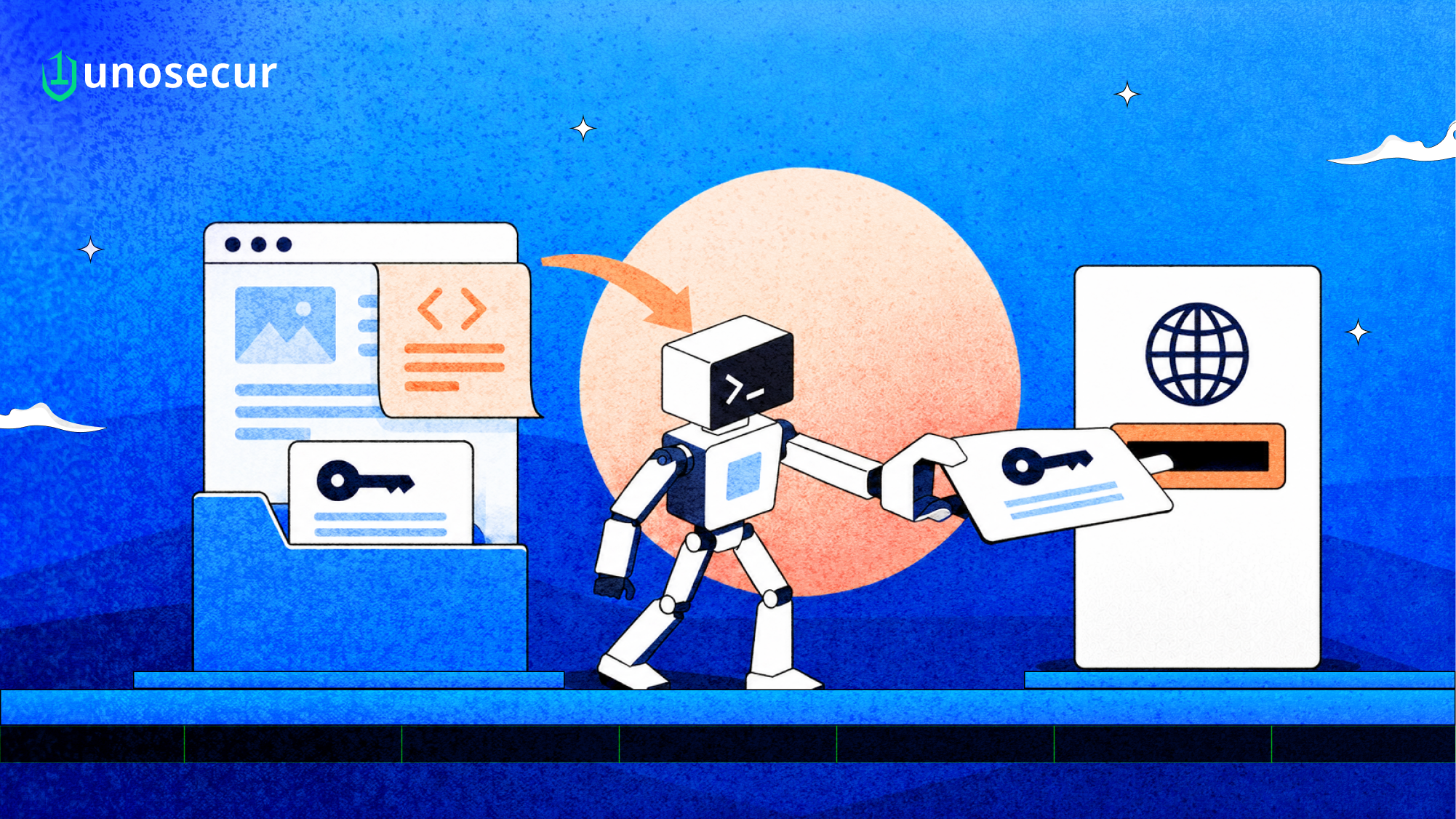
On 6 October, The Register reported research from Adversa AI showing how a critical GitHub Copilot CLI vulnerability could be exploited to read developer secrets from a .env file and send them to an attacker. The agent wasn't exploited, and no code was injected. It read a web page, followed its instructions, and used the file and network access the developer had already given it.
Adversa calls the technique Cryptographic Context Injection (CCI), which they first disclosed against Grok in August. After which, on September 17, they highlighted a major GitHub Copilot CLI flaw. and reported it to GitHub's bug bounty program. GitHub reviewed it and declined to treat it as a product vulnerability. GitHub has not issued a CVE, and Adversa says the chain still reproduces.
That last part is the reason this report exists. If the vendor says the system behaved as designed, the risk sits with whoever configured it.
How the GitHub Copilot CLI attack works
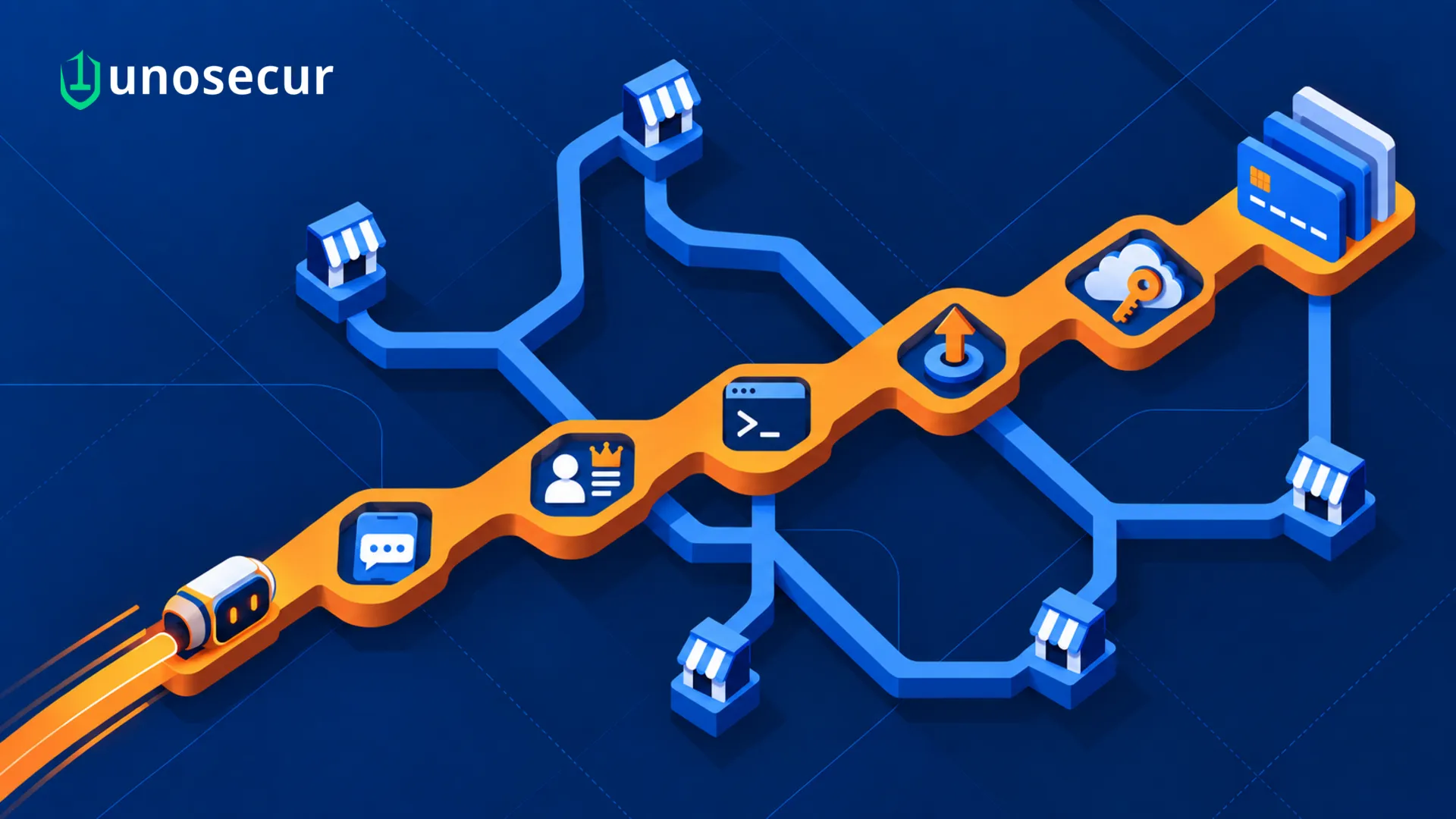
The developer runs Copilot CLI in autopilot mode and asks it to fetch a URL the attacker controls. Adversa says the chain needs autopilot and a permissive model. It is not a universal one-click compromise. The page carries ciphertext, Python decryption instructions, and two keys. Per The Register:
- The first key is a decoy. The agent is told to build it, which means reading local files such as .env and putting their contents into the key string.
- Decryption with that key fails, as intended. By then the secrets are already in the agent's working context.
- The second key works. The decrypted text tells the agent to fetch a second URL.
- That request carries the harvested developer secrets to the attacker.
Adversa tested two model backends. Microsoft's mai-code-1.1-flash ran the full chain in 50% of attempts. Two OpenAI GPT-5.6 variants refused the payload. Secondary coverage attributes further detail to Adversa, including theft of a .env.prod file in 28 seconds. These figures come from the researcher and have not been independently reproduced.
On the paid account Adversa tested, the vulnerable model was not the default. With model selection left on Auto, the router assigned it in some sessions and a safe model in others, and the user could not see which. So the result depends on the model behind the agent. That is not a control anyone should rely on.
Why guardrails missed it
Prompt injection defenses mostly inspect text. They scan fetched content for instruction-shaped strings and block or flag them. CCI gives them nothing readable to scan. Through encrypted prompt injection, the malicious instruction arrives as strong ciphertext, and the key ships right next to it.
Adversa researcher Rony Utevsky told The Register: "Static guardrails read text; they do not run it." The instruction only exists after the agent runs the decryption. At that point it is the agent's own output, sitting inside the agent's own context.
The broader point holds without the cryptography. Any defense that judges content before execution can be beaten by content that only becomes harmful during execution. Encryption is one way to get there. Encoding, splitting the payload across pages, or making the agent compute it are others.
GitHub's position on the GitHub Copilot CLI vulnerability
GitHub told The Register the attack "requires a user to intentionally direct Copilot CLI to fetch attacker-controlled or untrusted content and confirm they want to trigger the action." Adversa disputes that framing.
GitHub's documentation supports that position. It describes --allow-all-tools as "Full access to the available tools" and says these options should only be used "in an isolated environment." It also notes that a permanently approved URL adds its domain to allowedUrls, and that this approval "applies across all your sessions."
Both sides are describing the same thing. The agent did exactly what it was permitted to do. GitHub says Business and Enterprise admins can block the allow-all options. Where they don't, the answer is the individual developer, who right now wants the task done faster.
This isn't the first identity-adjacent issue in the tool this year. CVE-2026-29783 (CVSS 7.5, fixed in 0.0.423) let bash parameter expansion slip past the shell safety check. CVE-2026-45033 (CVSS 7.8, fixed in 1.0.43) let a nested bare git repo run commands through core.fsmonitor. Those were bugs and got patched. CCI is not a bug in the same sense, which makes it harder to close.
The identity problem underneath the GitHub Copilot CLI vulnerability
Remove the encryption, and what's left is an identity failure enabling GitHub Copilot secret theft. One agent session held three things at once:
- read access to every file in the developer's working directory, including live credentials
- untrusted input from the open web
- outbound network access to destinations nobody had reviewed
Any one of these is ordinary. All three in the same session are the exfiltration path. The attacker didn't need to break anything. The agent already had the access.
The agent is acting as a non-human identity here. It runs under the developer's permissions but chooses what to read and where to send it. It doesn't show up in IAM. Nobody scopes it to the task or reviews it afterward. Its blast radius is whatever sits on disk: cloud keys, database URLs, API tokens for payment and messaging providers.
That is why rotating the leaked .env doesn't solve it. The next session starts with the same reach. The secret was only what got exposed. The real problem is the standing access the agent had.
What to do this week
- Find out who runs Copilot CLI or similar agents with --allow-all-tools, --allow-all-urls or autopilot enabled. Check shell aliases and wrapper scripts, which GitHub's docs specifically warn against.
- Audit allowedUrls in each developer's settings.json. Permanently approved domains apply across every session.
- Where you have Copilot Business or Enterprise, ask admins to block the allow-all options.
- Pin the model. Don't leave Copilot CLI on Auto. Treat the model backend as a security setting.
- Get production secrets out of working directories. .env.prod should not exist on a laptop where an agent can read it. Pull secrets from a vault at runtime, scoped to the task.
- Run agents that browse the web in a sandbox or container that has no credentials mounted. Keep agents that handle secrets off the open web.
- Default-deny outbound network from agent sessions and allowlist the destinations the task actually needs.
- Log agent tool calls with their full arguments, especially file reads followed by outbound requests. That sequence is the attack's signature.
- Treat the model backend as a security setting. Adversa's results show the same agent being exploited or refusing, depending on the underlying model.
The agent did nothing wrong by its own rules. The failure was in the rules.
Governing the agent as an identity with Unosecur
CCI works because nobody governs the agent as an identity. Unosecur treats AI agents as first-class identities, alongside human and non-human ones. Here is how that maps to this attack, and where it stops.
Know the agent exists. Agent Governance continuously discovers known and unknown agents across cloud AI platforms, SaaS, and third-party services. For each one, it records the owner, model, status, guardrail state, and lifecycle history. A Copilot CLI session running in autopilot is only a risk you can manage once it is on that list.
Map what one session can reach. Agent Governance traces the full access chain beyond direct permissions: inherited roles, cross-account trust, and long-lived tokens. It also tracks the credentials an agent carries and the knowledge sources it can reach. Blast radius analysis answers the question this attack raises: if an agent session is turned against you, what leaves with it?
Cut standing access. Unosecur builds explainable least-privilege policies from observed activity, with just-in-time elevation when a task needs more. An agent that only gets credentials for the length of a task has much less to leak.
Govern agent tool traffic. For agents that act through MCP, the Uno AI Gateway sits inline. It authorizes each tool call per identity, swaps hardcoded credentials for short-lived tokens through SSO and OAuth token exchange, and redacts secrets and PII in payloads. Every transaction gets an immutable audit log, and you can revoke sessions and credentials instantly.
One boundary to be clear about. In Adversa's demo, the file reads and web fetches ran through Copilot CLI's built-in tools, not MCP. The Gateway governs MCP traffic. For built-in tools, the defense is the identity work above: discover the agent, map its reach, and remove the standing secrets it can read.
To see what your agents can reach today, book a demo.


.png)
.webp)
%201.svg)



.webp)

.avif)
.webp)