
.avif)





%201.svg)
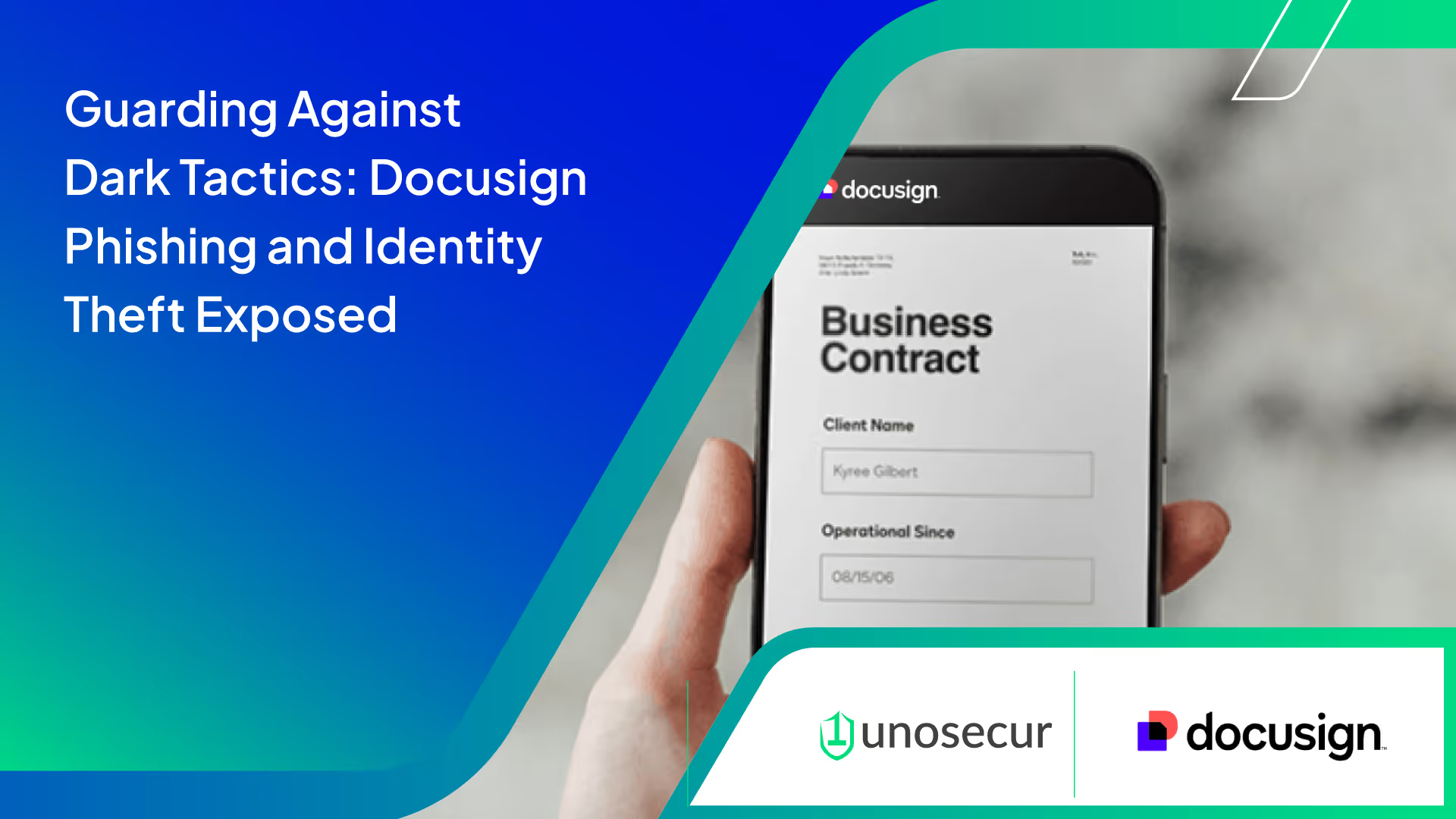
In recent months, a sinister surge in phishing emails has emerged, leveraging the trusted platform of Docusign to deceive unsuspecting users. These carefully crafted emails, meticulously designed by cybercriminals, masquerade as legitimate document signing requests, enticing individuals to click on malicious links or divulge sensitive information. What's alarming is the sophisticated nature of these attacks, where criminals either painstakingly create templates mimicking authentic Docusign requests or purchase them ready-made from the depths of the dark web.
Why Docusign?
The answer lies in its widespread adoption and impeccable reputation across various industries. As Docusign becomes increasingly integrated into corporate workflows, it inadvertently becomes a lucrative target for scammers seeking to exploit its credibility.
Identifying these nefarious attempts is crucial for safeguarding against cyber threats. While Docusign has taken steps to address these issues, users must remain vigilant.
Here's how to spot a malicious Docusign email
- Scrutinize the sender's email address: Legitimate Docusign emails originate from the docusign.net domain. Beware of slight variations or misspellings in the domain name, which are telltale signs of phishing attempts.
- Verify links: Authentic Docusign emails contain direct links to docusign.net. Exercise caution if the URL deviates or lacks encryption (https), as it could lead to a counterfeit website designed to steal your information.
- Personalized communication: Genuine Docusign emails address recipients by name, whereas phishing emails often use generic salutations. However, be wary as some scammers may use acquired personal data to customize their messages.
- Beware of image-based content: Phishing emails may obscure text within image files to evade detection. Genuine communications typically deliver important information in text format rather than images.
- Utilize security codes: Legitimate Docusign requests include a unique security code for accessing documents on the official website. Avoid clicking on links in emails; instead, manually navigate to docusign.net and enter the provided code.

A poignant example provided by Docusign illustrates how these phishing emails can be deceptively convincing, emphasizing the importance of scrutinizing email and website addresses for authenticity.
The repercussions of falling victim to such scams extend far beyond personal inconvenience. Stolen credentials are often sold to other cybercriminals or used to perpetrate further attacks, ranging from financial fraud to corporate espionage. With compromised accounts, criminals can manipulate vendor agreements, redirect payments, or even blackmail companies for ransom.
In conclusion, phishing, fueled by social engineering tactics, remains a pervasive threat to organizational security. As cybercriminals evolve their methods, it's imperative for companies to adopt a comprehensive approach to cybersecurity, blending technological solutions, employee training, and heightened awareness.
Read more in the Docusign whitepaper.
For further insights into identity-based attacks and effective defense strategies, contact us. Protect yourself and your business from the shadows of cybercrime.



.png)
%201.svg)


.webp)

.avif)