.avif)





%201.svg)


One tenant's audit log tells most of the story. A ConnectWise app built to manage Microsoft Teams added new secrets to two other apps in the same tenant and set them to stay valid until 2028. Nobody signed in, and no MFA prompt fired.
The app is ConnectWise Cloud Management for Teams, which older tenants list as SkyKick Cloud Manager. Its sister service, ConnectWise Cloud Backup (formerly SkyKick), backed up Microsoft 365 data for managed service providers and their customers. The two apps it wrote to were Huntress's own security app in that tenant and an MSP management tool.
ConnectWise has since disabled seven of its application identities and invalidated the shared credentials. That shuts the door the attacker walked through. It doesn't touch the keys planted on apps ConnectWise doesn't own, and if the vendor can't reach them, who will?
The breach started with a vendor's identity, but the access that outlives it sits on your own apps, where no vendor fix can reach.
How did a backup app get the power to rewrite your tenant?
A backup service has to read everything it protects. When your team connected Cloud Backup, it consented to an app that can read and write mail, OneDrive and SharePoint files, and Teams chats without a user present, according to Huntress. Microsoft says the actor used applications that already had access.
The attacker held the app's client assertion credential, so it requested app-only tokens from Microsoft and received them. With no user signing in, there was no password to guess and no MFA to satisfy.
Microsoft says nothing in its own systems broke, and the permissions worked exactly as your team granted them. Nobody broke in. They logged in with valid credentials in the wrong hands.
On October 15, between 06:13 and 08:46 UTC, a script requested tokens across almost 1,000 tenants in ascending tenant ID order, using the user agent Python-urllib/3.12. Huntress first confirmed unauthorized access in 162 tenants on October 16 and later counted more than 300 successful sign-ins
Microsoft says the actor attempted sign-ins to more than 2,250 tenants at up to 2,900 attempts a minute, and that most targeting failed. It hasn't established how ConnectWise's credentials were exposed, and ConnectWise says it's still tracing the root cause and initial access, and it hasn't confirmed whether a product vulnerability was involved.
What did the attacker do in the hours before the main sweep?
The persistence work came first, between 03:42 and 03:57 UTC on October 15, when Huntress watched trial-and-error credential changes in a single tenant. The Teams management app assigned itself Global Administrator, and the actor granted and removed that role twice.
When a certificate upload failed on a thumbprint mismatch at 03:48:24, the tooling fell back to a secret. When one tenant refused to remove Global Administrator, the actor gave a sibling principal a different role and deleted the original. Across roughly 50 tenants Huntress monitors, ConnectWise's management apps gave themselves directory roles, mostly Exchange Administrator.
What does that sequence do for the attacker? It moves the foothold off the identity everyone will investigate, and onto identities nobody is watching. Each step uses rights an app already held, so each step looks like an app doing the admin work your team installed it to do.
How much of this was an AI agent?
Microsoft attributes the campaign to Storm-0940, a China-state-aligned group active since 2021 that targets defense, government, legal, energy and semiconductor firms. It says the group used ARTEX, an open-source framework that coordinates multiple AI agents from reconnaissance through exfiltration. In some cases, Microsoft says, the group gained privileged cloud access less than three hours after first targeting a victim.
Huntress's telemetry is more careful. After the certificate failure, retry logic with waits of about 3.5 and 7.1 seconds appeared 55 seconds later. The same sequence ran in a second tenant 47 seconds after that. Huntress calls the speed consistent with an agent loop: read the failure, rewrite the call, run it again.
The counter-evidence is just as specific. After the Teams service principal was deleted at 03:57, requests using it kept firing every four to eight seconds for about 22 minutes, and every one was rejected. Huntress rates LLM involvement low to medium on its own data, rising to medium to high once Microsoft's attribution is weighed.
Does it matter for your response whether a person or an agent drove this? Barely, because whatever sat at the keyboard did the same things in your tenant.
Huntress puts it well: defenders should detect what the activity does, whatever pace it keeps.
Why doesn't the vendor's fix close your incident?
On October 17, ConnectWise disabled seven application identities, revoked their certificates, and invalidated the shared Cloud Backup credentials. That stops new tokens on the vendor's apps, but it doesn't reverse anything those apps already changed inside your tenant, as ConnectWise's own guidance admits.
So what stays live after the vendor acts? ConnectWise says tokens issued before the shutdown may stay usable until they expire.
Roles that service principals granted themselves remain until someone removes them. Credentials added to other apps are long-lived credentials or tokens on identities the vendor can’t control, and they sit there unapproved, unowned, unmonitored, and no alert will be sent when they’re being used.
Why does your playbook miss all three? Revoking user sessions doesn't end application access, Todyl notes, because no user session was ever involved. Rotating the vendor's secret replaces a key the attacker no longer needs, because it already holds keys of its own on your other apps. Microsoft warns that these changes can remain active as a backdoor even after you remediate the original app.
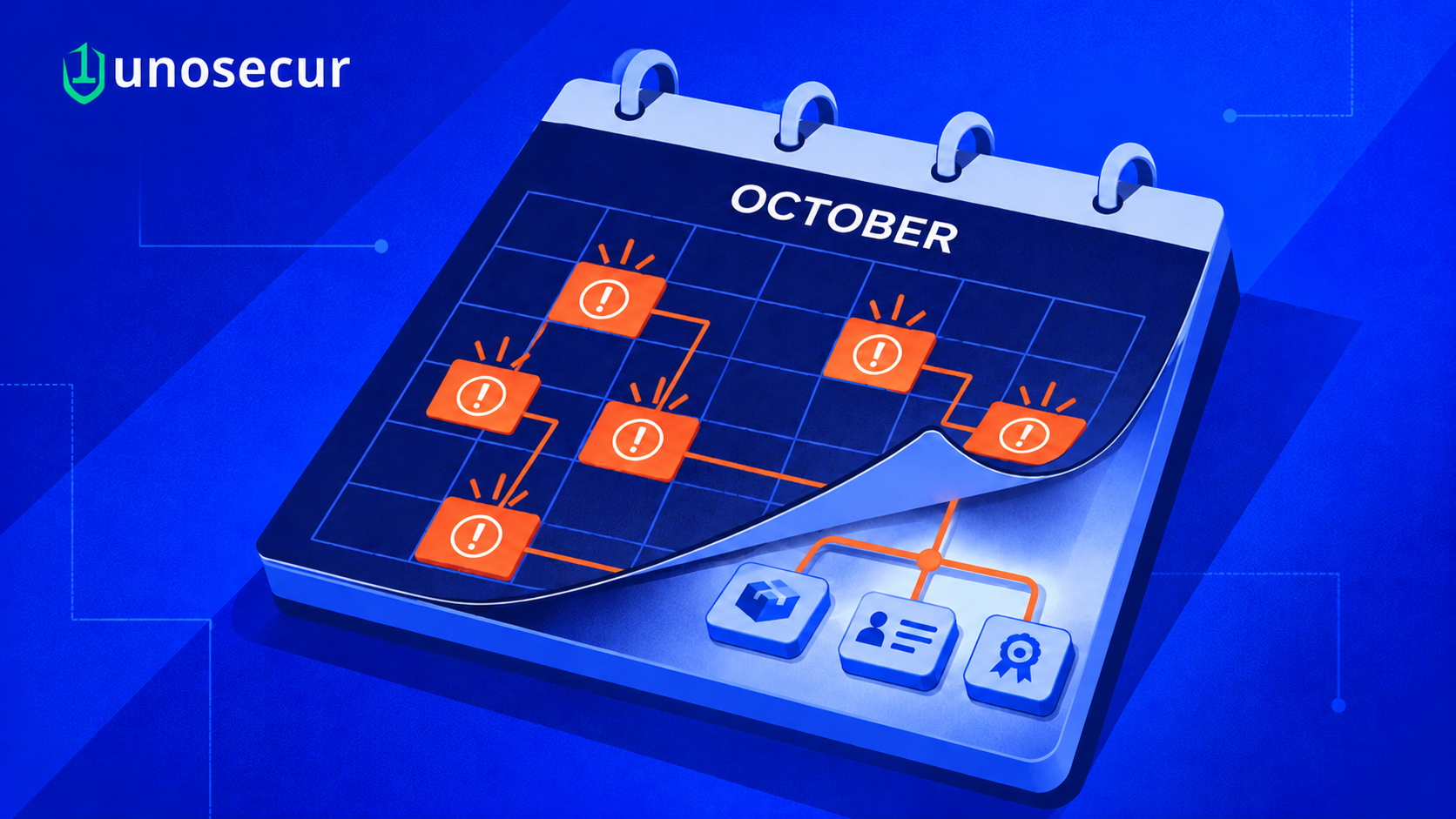
So what is the real scope of your incident? It's every app, secret, and role in your tenant that changed after October 13, and each one needs an owner who can say whether the change was theirs.
What is the open incident costing the business today?
The first cost is already on your books. ConnectWise suspended Cloud Backup, SaaS Security, and Cloud Management, so scheduled backups stopped, and restores were unavailable. Restoration began in phases on October 21, but ConnectWise's latest update, early on October 27 UTC, says partners cannot yet restore data from existing backups. That comes first, followed by full re-enrollment. Microsoft advises keeping the connections disabled until ConnectWise issues restoration guidance. Your Microsoft 365 backup gap lasts until ConnectWise finishes re-enrollment.
The second cost is a question you can't answer. Huntress knew of no victim with Microsoft Graph activity logging turned on, and Entra's audit log doesn't record Graph reads. App-only audit events don't carry a source IP either, so you can't tie activity like credential changes to the attacker's address. If a regulator or a customer asks what mail or files were left, you'll have successful token requests and no record of what they read.
Where does that gap leave your disclosure clock and your legal team? You can't confidently call it a breach of regulated data, and you can't confidently rule one out. Microsoft says an affected app, or even a successful sign-in, doesn't prove data access. That helps only if you can show what happened.
The third cost is labor. ConnectWise says it can't review customer environments itself, and it has asked resellers and marketplaces to pass its remediation guide to every tenant administrator. If you buy through an MSP, your provider is running this hunt across every client at once, and if you run your own tenant, your team is.
What should your team check this week?
Microsoft and Huntress agree on most of the first moves, and your team should work through them in this order.
- Disable the ConnectWise apps without deleting them to preserve the evidence. Search by application ID, since older tenants may list the apps as SkyKick Cloud Manager.
- Pull service principal sign-in logs, which sit apart from the default user view, from October 1, where your retention allows, and from October 15 at the latest.
- List every secret and certificate added to any app since October 13, and remove what nobody can account for.
- Review directory roles held by service principals, starting with Global Administrator, Privileged Role Administrator, and Exchange Administrator.
- Turn on Graph activity logging where your licensing allows, so the next scoping question has an answer.
- Alert when an app assigns itself a privileged role, deletes itself, or grants a role to a sibling principal.
Every step assumes you know which apps you have, what each one can do, who owns it, and when its credentials last changed. Many teams don't keep that list, and building it during an incident means days of digging through logs.
What changes in the first 48 hours when every app identity is already mapped?
Your first question in this incident is which apps in your tenant hold more power than anyone remembers granting. Unosecur's Unified Identity Fabric answers that with one connected view of AI agents, non-human identities, and human identities, including the permissions each holds and the systems each can reach. A backup vendor's app sits next to the admin who consented to it, so it has identity context and an owner.
Your team then sees which app identities carry standing admin rights or directory write access, and how far each one reaches across mail, files, and the directory. That's the blast radius of a stolen vendor secret, mapped before anyone starts pulling access. You pull the most dangerous backdoor first.
The persistence here came from identity drift. Apps picked up roles and keys they didn't hold the week before, and a sibling principal took on a role after the original was deleted. Your team can reconstruct what changed, when, and on which identity across October, and see which identities gained persistent access paths or privilege escalation paths along the way.
A fresh secret valid up to 2028 on a security vendor's app is the kind of change that should surface against a named identity and owner. You shouldn’t be digging it out of an audit export weeks later.
Pulling access shouldn't start a second incident. For every fix, Unosecur lays out the remediation steps for your environment in the console/UI and, where relevant, gives you rollback steps in case a change breaks something.
Findings are assigned to an owner through a ticket, and each change is logged in the identity history. When the board asks how you know the backdoors are gone, you hand over a forensic record, not a promise.
What will your board ask about the ConnectWise breach?
Did the attacker read any of our mail, files, or Teams chats? The wrong answer is that ConnectWise says backup data is safe. The question is about your tenant, and without Graph logs, nobody holds that record.
Is it over now that ConnectWise disabled its apps? The wrong answer is yes, because credentials planted on your own apps outlive the vendor's fix, and only your team can find them.
Which other vendor apps could do this tomorrow? The wrong answer is that procurement has the list, because procurement tracks contracts, and each app's directory rights live somewhere else.
ConnectWise can switch off its own apps. Only you can find the keys left on yours.
Book a demo to see which app identities in your tenant hold admin rights today, what they can reach, and what changed this month.



.png)
%201.svg)


.webp)

.avif)
.webp)